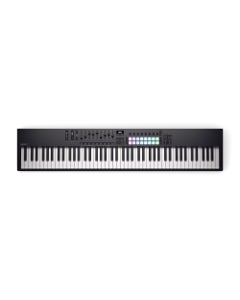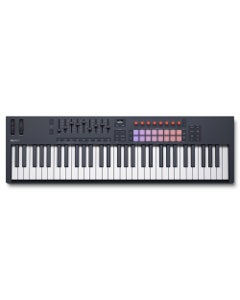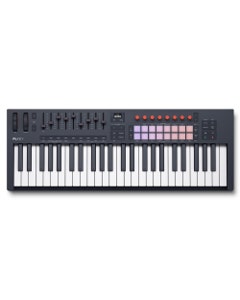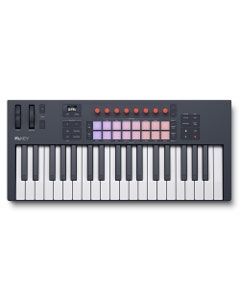
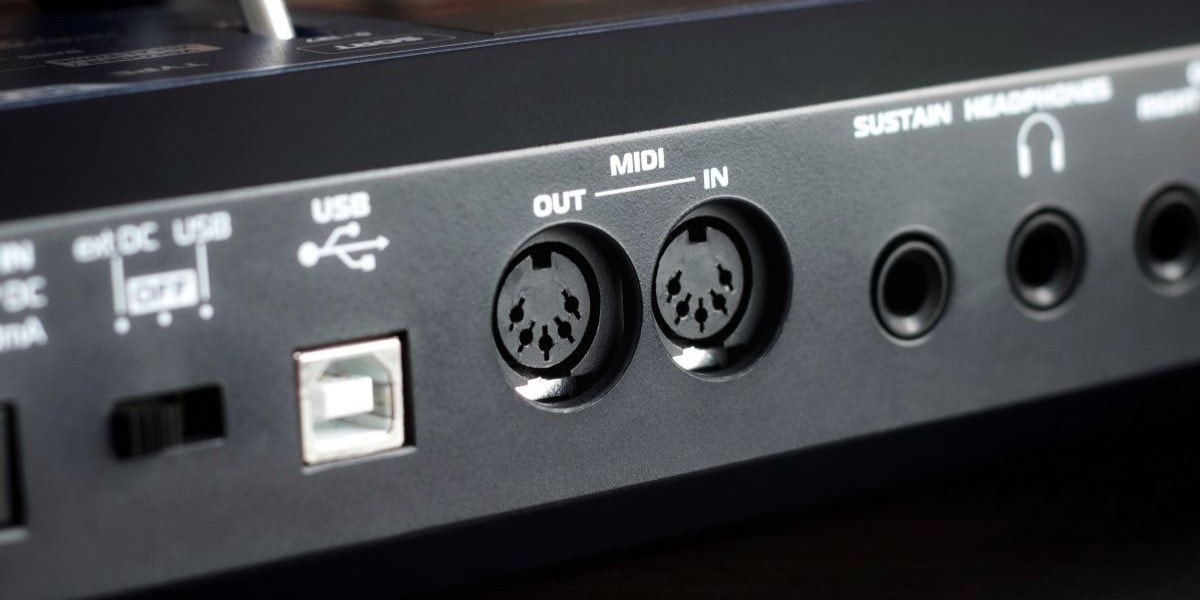
Everyone talks about MIDI, but do they really know what it means? Back in the early ‘80s, musicians were caught up in the cool, new synthesizers and drum machines, but there wasn’t a way to get all the new tech to talk to each other. Then came MIDI to the rescue!
MIDI stands for Musical Instrument Digital Interface, and transmits data like note pitch, timing, and velocity, enabling musicians to control multiple devices simultaneously from a single source.
MIDI became one of the most important standards in music history, allowing everything to communicate and work together efficiently and easily. Without it, you couldn’t build your ultimate production studio with interfaces, controllers, synths, or anything fun!
The Compatibility Situation
In the late '70s and early '80s, synthesizers, drum machines, and sequencers were everywhere in recording studios and on stages. The gear was new and exciting, but the compatibility situation was a complete disaster.
Every manufacturer had their own way of doing things. Roland had their own system. Korg had theirs. Sequential Circuits had theirs. None of these ways were compatible with each other. If you wanted to trigger a Roland drum machine from a Moog sequencer, you needed custom cables, and a lot of patience — and even then, there was no guarantee the units would work reliably with each other. Consequentially, producers were burning through their budgets just trying to get their instruments to work together. Imagine being in the control room then. Something had to give!
The Birth of MIDI
Eventually, the push for a universal standard came from a collaboration between the manufacturers. In 1981, Dave Smith, founder of Sequential Circuits, proposed a "Universal Synthesizer Interface" at the Audio Engineering Society convention. Ikutaro Kakehashi, founder of Roland, became a key collaborator. Together with representatives from Yamaha, Korg, and Kawai, they drafted a specification that would end up changing music technology forever!
The goal was simple: to create a single, open standard that any manufacturer could implement, allowing any MIDI-compatible device to talk to any other.
MIDI made its public debut at the NAMM music industry conference in January of 1983. A Sequential Circuits Prophet-600 sent MIDI data to a Roland Jupiter-6 — two synthesizers from two competing companies, playing together in real time. In today’s context it doesn’t seem like much, but back then it was a pretty big deal! So that guy, Dave Smith, was one of the primary catalysts for bringing MIDI to the music world.
Then the first MIDI-capable products hit the market around the same time: the Prophet-600, the Roland Jupiter-6, and the Roland MSQ-700 sequencer. Within a couple of years, MIDI ports were becoming standard features on electronic instruments across the board.
What Exactly Is MIDI?
Here's the most important thing to understand about MIDI and is something that fools many people right off the bat: MIDI doesn't actually transmit any sound.
Think of it like this: when a composer writes a score on sheet music, they’re writing instructions that will eventually become sound. The sheet music tells a performer which notes to play, how long to hold them, how loudly to strike them. The actual sound depends entirely on who's playing and what instrument they're using.
MIDI works the same way. A MIDI file contains performance instructions, not audio.
The sound you actually hear comes from whatever device or software is receiving those instructions, which is usually a synthesizer, sampler, or virtual instrument plugin in your DAW setup. If you swap out the receiving device while keeping the same MIDI performance, it can sound completely different without even changing a single note.
You can edit individual notes after recording without starting from scratch, and you can swap instruments instantly, turning a piano performance into a string orchestra in just a couple of clicks. That kind of flexibility is a big reason MIDI has stuck around.
Types of MIDI Messages
At its core, MIDI is basically a stream of digital messages. Each message tells a connected device to do something specific.
Here are the main message types:
- Note On / Note Off – The basics. Note On triggers a note to start playing; Note Off tells it to stop. Simple, but everything is built on this foundation.
- Velocity – Sent with Note On messages, velocity indicates how hard a key was pressed. Most instruments use this to control dynamics: the harder you press, louder sound. Some instruments also use it to affect tone and timbre.
- Control Change Messages – These cover a huge range of real-time adjustments: volume, sustain pedal, modulation wheel, expression, reverb depth, and much more. Each parameter has its own assigned number.
- Program Change Messages – These switch the instrument sound (or "patch") on a receiving device. Send a Program Change message with the right number, and your synth jumps to a different preset.
- Pitch Bend – This allows smooth, continuous pitch shifts which is essential for expressive playing on keyboards, where the wheel gives you that smooth guitar-style bend.
You can unlock a huge amount of creative potential with MIDI. Once you start bending notes, swapping patches, and tweaking parameters, you'll see what I mean.
How Do MIDI Channels Work?
One of MIDI's smartest design features is its channel system. A single MIDI connection can carry 16 separate channels of data simultaneously, with each channel controlling a different instrument. So, you could have your keyboard sending bass notes on channel 1, pad sounds on channel 2, and lead synth on channel 3 — all through the same cable in real time.
Types of MIDI Connections
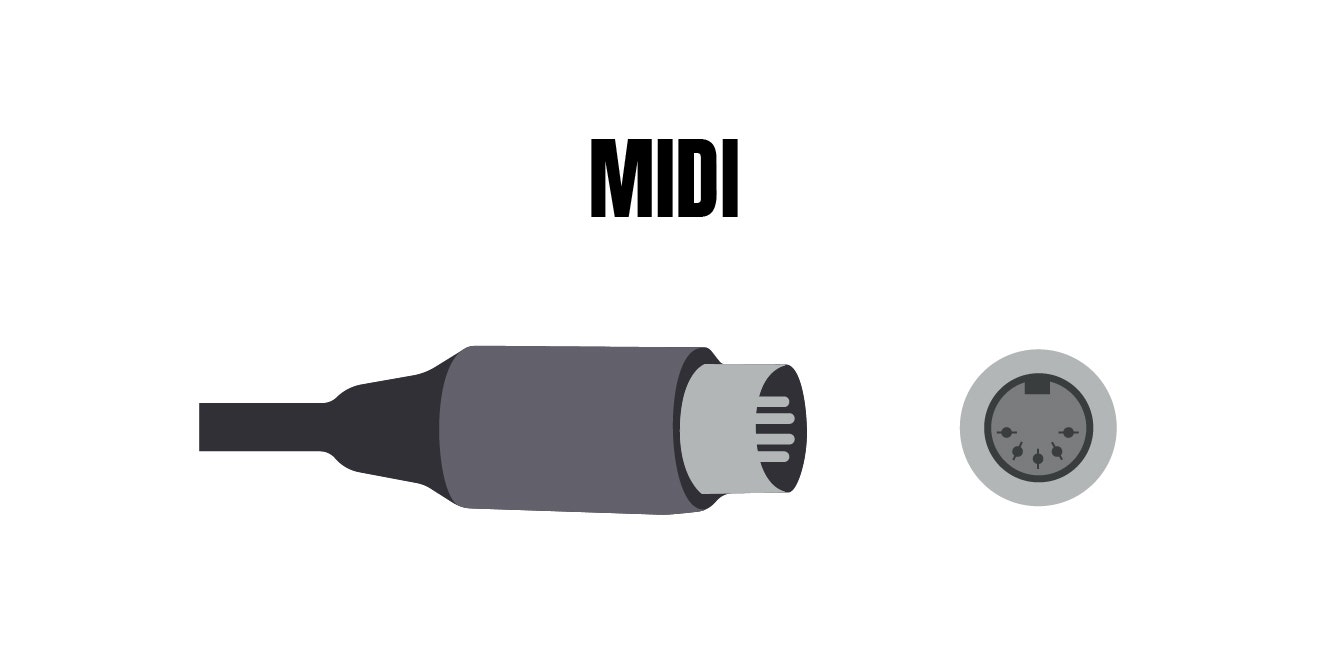
Originally, MIDI used a five-pin DIN connector — that round, somewhat-chunky plug you might have seen on older gear. Each device had three ports: MIDI IN (receives data), MIDI OUT (sends data), and MIDI THRU (passes incoming data to the next device). Daisy-chaining multiple devices together was common, though it had its limits. Setting it up in the device’s menu was quite confusing at first since every device had a somewhat different layout.
When I first started buying gear I purchased a MIDI cable not having a single clue on how to connect it. That’s why I’m glad I got my controller connected via USB (foreshadowing moment).
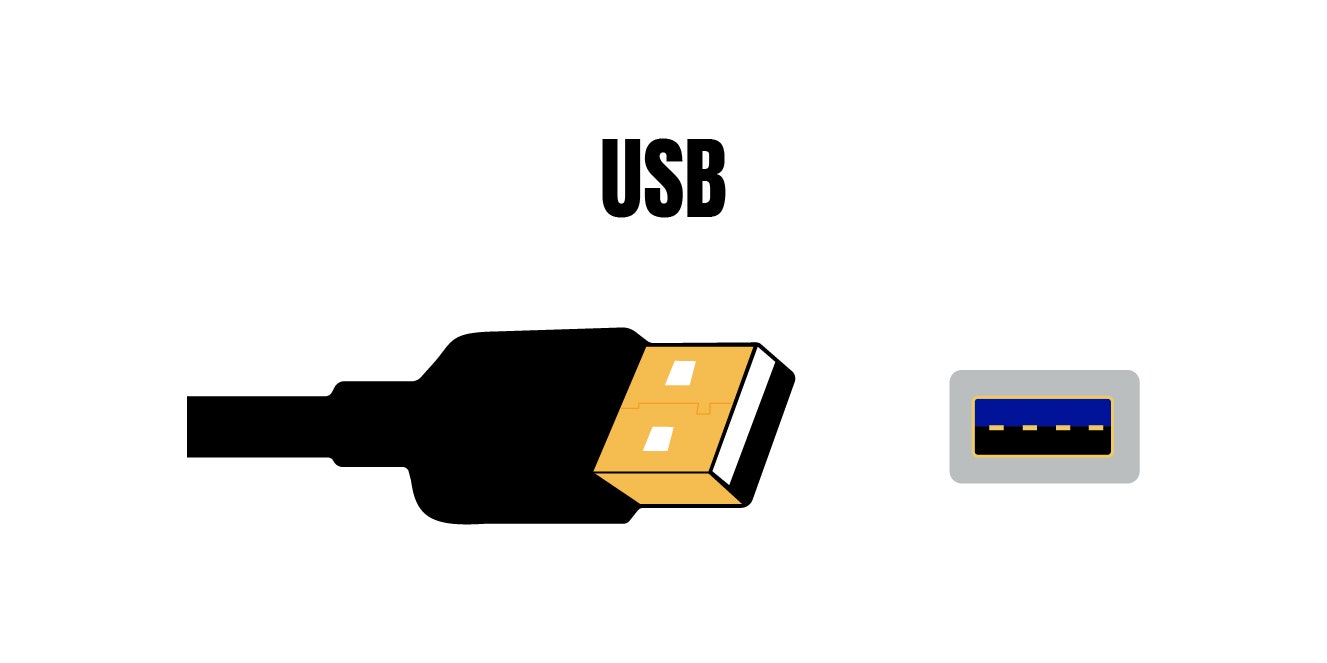
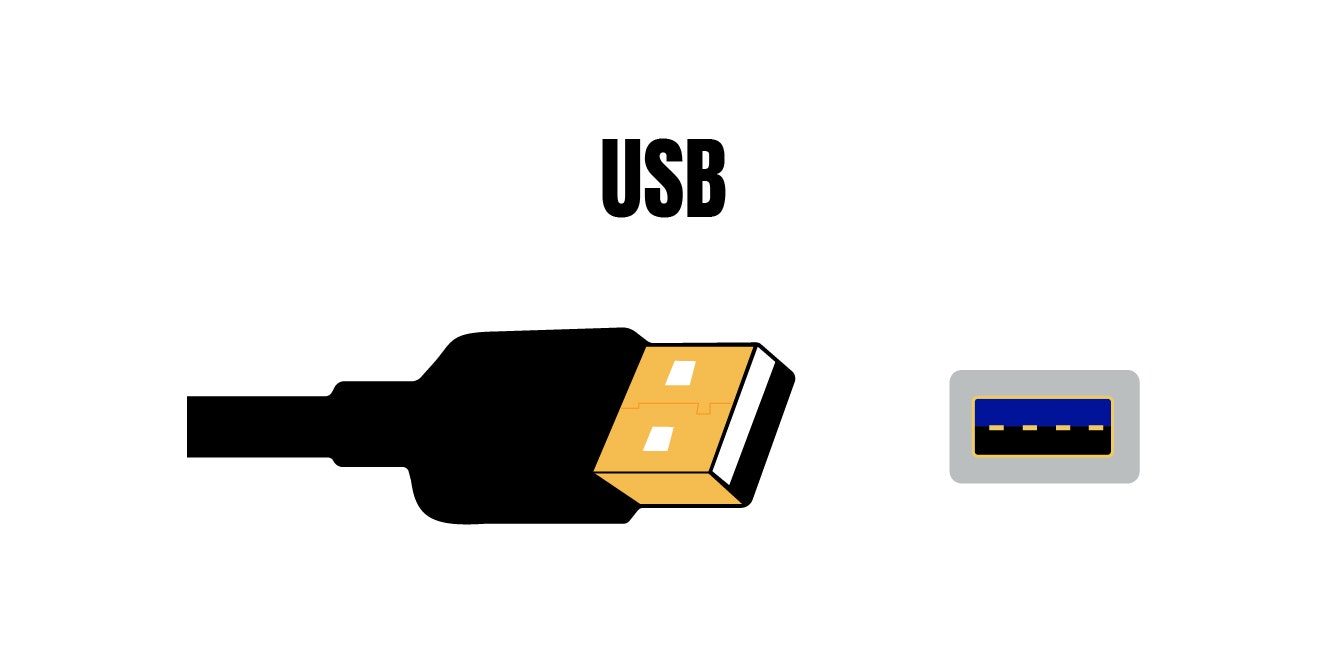
In 1999, USB MIDI was released and changed everything. It made it way simpler to connect, faster to transmit, and capable of powering the device itself. By the early 2000s, USB quickly became the standard for modern MIDI controllers and interfaces. If you have a MIDI keyboard connected to your laptop right now, it's almost certainly using USB. Now you can ditch the five-pin MIDI cables — unless you’re using some really old gear.
More recently, Bluetooth MIDI and Wi-Fi-based MIDI systems have made wireless setups very practical. Mobile production on an iPad, wireless controllers on a live stage, syncing apps across devices, wireless MIDI has expanded what's possible for portable and performance-focused setups. You’ll realize how many pop and hip-hop artists rely on this to sync up their entire performance, including Drake, Kanye, Kendrick Lamar, Arianna Grande, and so many others.
The Development of MIDI 2.0
For almost 40 years, the core standard for MIDI remained pretty much unchanged. In January 2020, the MIDI Manufacturers Association officially introduced MIDI 2.0 — the first major update in nearly four decades.
The improvements were substantial:
- Higher resolution – MIDI 1.0 used 7-bit or 14-bit values for most parameters, which could sometimes result in audible "stepping" in parameter sweeps. MIDI 2.0 uses 32-bit values, making transitions far smoother.
- Better expressiveness – MIDI 2.0 supports per-note articulation and expression, meaning each individual note can have its own pitch bend, pressure, and timbre data. This brings keyboard expressiveness much closer to what string or wind players can do naturally.
- Bidirectional communication – MIDI 1.0 was largely one-directional. MIDI 2.0 enables devices to communicate back and forth, allowing for automatic profile exchange and configuration.
- Automatic device configuration – Devices can now negotiate and set themselves up intelligently, reducing the manual setup required.
MIDI 2.0 is backward-compatible with MIDI 1.0, so it won't make your existing gear obsolete. But for musicians who work with expressive, nuanced performances, the improvements are meaningful. I mean, just listen to the bends coming from the synthesizers on any ‘80s record. Cheesy! Nowadays, we’re getting closer to the authentic source.
MIDI Today, And It's Not Done Yet
Four decades after that first NAMM demo, MIDI is basically everywhere. You'll find it in:
- Recording studios – central to DAW-based production workflows.
- Live performance – controlling synths, triggering samples, and running lighting rigs.
- Film and game scoring – where composers mock up full orchestral arrangements before committing to live recordings.
- Music education – making music theory easier to visualize and teach.
- Mobile production – apps like GarageBand use Bluetooth MIDI to make production portable.
As for hardware, the range of MIDI-capable gear is broader than ever. Sure, keyboards and synthesizers are the most common controllers, but you'll also find pad controllers, wind controllers, DJ controllers, and modular synthesizers with MIDI-to-CV converters too.
Before MIDI, recording a complex arrangement was a logistical nightmare. Every part had to be recorded separately, mistakes meant re-recording entire takes, and changing an arrangement meant starting from scratch. MIDI flipped the script. Suddenly, one person could control an entire orchestra of synthesizers from a single device, fix a wrong note without redoing the whole performance, and swap instrument sounds on an existing recording pretty much effortlessly. Ahh that’s more like it now!
This had a lasting impact on modern DAWs. Software like Pro Tools, Logic, Ableton Live, and FL Studio are built around MIDI at their core, and it's fundamental to how most music is made today.
MIDI started as a fix for a specific, annoying problem: electronic instruments that couldn't talk to each other, but then it evolved and became the shared language of modern music production. From a five-pin DIN cable in 1983 to Bluetooth MIDI nowadays, the protocol has evolved, but its core logic hasn't. Send an instruction. Receive a sound. Now create and play music!
Understanding MIDI will not only satisfy your own curiosity, but it'll also make you a better producer. Open your DAW, plug in a controller, and start experimenting. Now you've got the knowledge to back it up!